
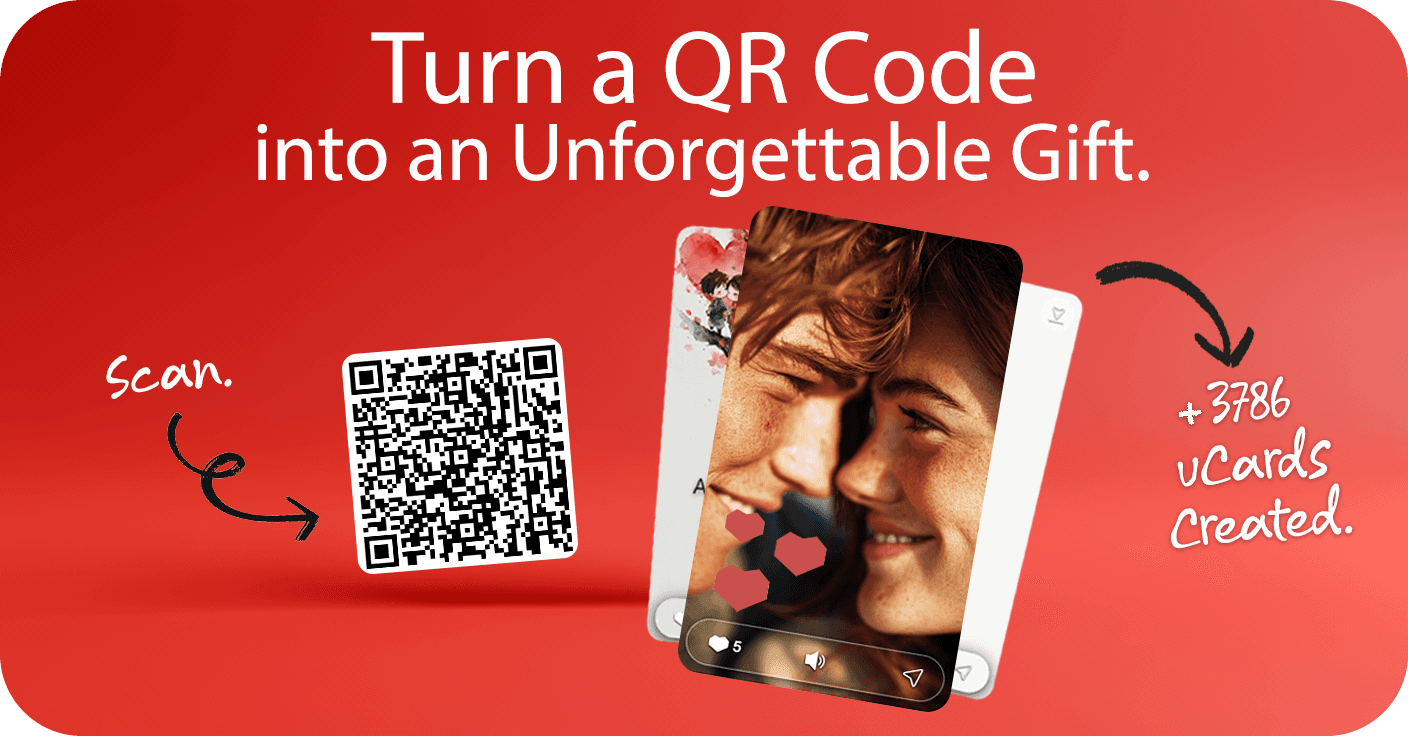
uCard
A Personalized Digital Gift.
Create. Share. Surprise.
Simple to Create.
Impossible to Forget.
Create Your uCard
Choose the Theme, Fill in the Names and Type Your Message.
Photos Are Memories
Special.
Add Photos To Your uCard
Choose Photos From Your Best Moments.
Songs Mark
A Moment.
Choose A Music For Your uCard
Select a Music.
Time Builds
Relationships.
Add A Special Date To Your uCard
Enter a date and describe its importance to you both.

 AI Messages
 Photos
 Music
Music Special Date
FAQ – iSurpriseU
Last updated: April 2026
1. What is uCard? uCard is a digital card with messages, photos(Optional), music(Optional) and special date(Optional) that can be viewed online(link) or offline(download).
2. How long can I view the uCard? The uCard can be viewed online for 90 days. But don't worry, you can download and keep your uCard in video forever.
3. Can I use uCard on special dates? Of course! It's perfect for Valentine's Day, Birthdays, Weddings, Mother's Day, Christmas, Graduations, or simply to say "I remembered you".
4. How do I create a uCard to gift someone special? Choose a theme, enter the names, write your message and add photos(Optional), music(Optional) and special date(Optional). In just a few clicks, your uCard will be ready to move someone special.
5. Can I create a free uCard? You can create and preview your uCard for free.
6. How do I access my uCard after it's created? After payment, please remain on the screen to view your uCard. You will also receive an email at the registered address with the exclusive link and QR Code to access it.
7. How do I send my uCard after it's created? You send the exclusive link or QR Code of your uCard to whoever you want to touch — it's that simple. The person will be able to open the uCard on any mobile phone, tablet or computer. Or if you prefer, you can download the uCard in video and share it.
8. Who can see the uCard? The uCard can only be seen by those who have the corresponding link or QR Code.
9. On which devices can I view the uCard? On any modern browser on mobile, tablet or desktop. Just access the link or scan the uCard's QR Code.
10. Can I edit my uCard after it's created? No. But you can customize and preview your uCard as many times as you want before finalizing the purchase.
Copyright © 2025 iSurpriseU Inc. All rights reserved